GoHighLevel’s main features are a CRM with pipelines, one inbox for every channel, calendars, payments, email and social marketing, workflow automations, a funnel and website builder, memberships, reputation management, reporting, an app marketplace and AI agents. They share one contact database, and that is the real point: a form fills the CRM, the CRM triggers a workflow, the workflow moves the deal. You can try every feature with our 30-day GoHighLevel trial (14 days is standard).
GoHighLevel deal
Extended 30-day free trial (the standard is 14 days), plus the free GHL Launch Vault (20 bonuses, including a client-ready sales kit).
GoHighLevel features at a glance
| Feature | What it does |
|---|---|
| Dashboard | Widgets for contacts, opportunities, revenue, appointments and tasks |
| Conversations | One inbox for SMS, email, social messages and web chat |
| Calendars | Booking pages, booking rules, payments or deposits at booking |
| Contacts | The CRM database, with tags and smart lists |
| Opportunities | Pipeline boards with drag-and-drop stages |
| Payments | Products, invoices, estimates and payment links |
| Marketing | Email campaigns, social planner, affiliate manager |
| Automation | Workflows: when X happens, do Y |
| Sites | Funnels, websites, forms, surveys and quizzes |
| Memberships | Courses with gated lessons |
| Media storage | One library for images, videos and files |
| Reputation | Review requests and review management |
| Reporting | Call, appointment and marketing reports |
| App Marketplace | Extra apps and integrations |
| AI agents | Conversation AI, Voice AI and Ask AI |
Dashboard and conversations
The dashboard is the overview of the business. Edit it to add or remove widgets: contacts, opportunities, revenue, appointments, opportunity value, funnel stage distribution, tasks and leads.
Conversations is one inbox. Once your channels are connected, SMS, email, social media messages and web chat arrive in the same place with the full history, and you reply without leaving GoHighLevel.
Calendars
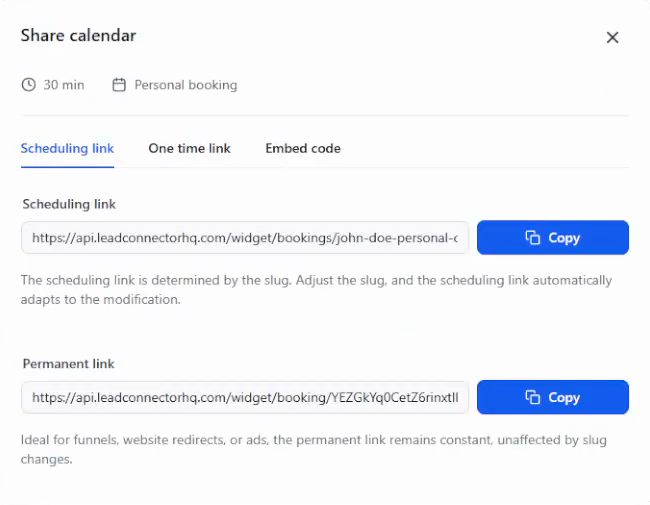
Create a calendar for something like a free strategy call or a consultation, then set the duration, the booking rules and the advanced settings. A calendar can take a payment or a deposit at booking. Share the link and the customer picks a time.
Contacts and opportunities
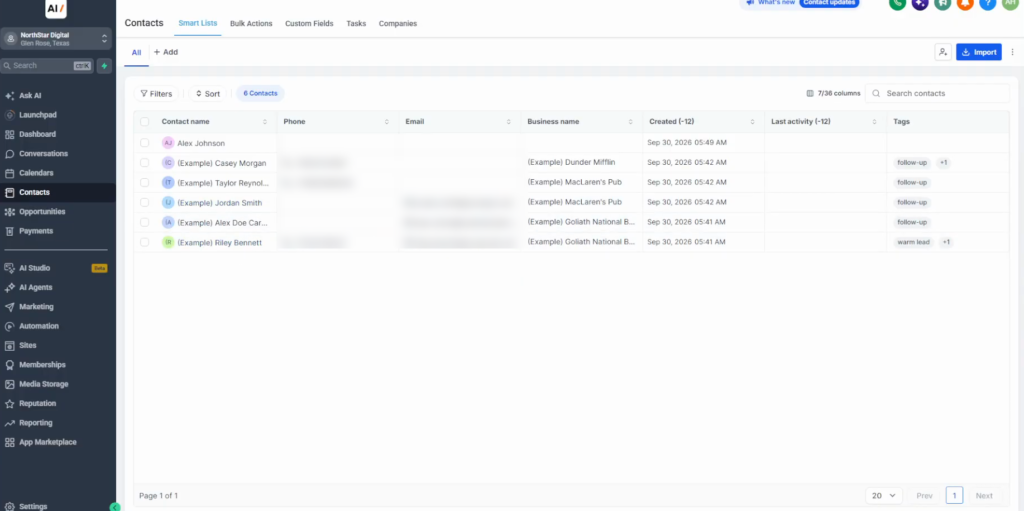
Contacts is the CRM database. Each record holds the person’s details, and tags such as “hot lead” let you filter contacts and trigger automations.
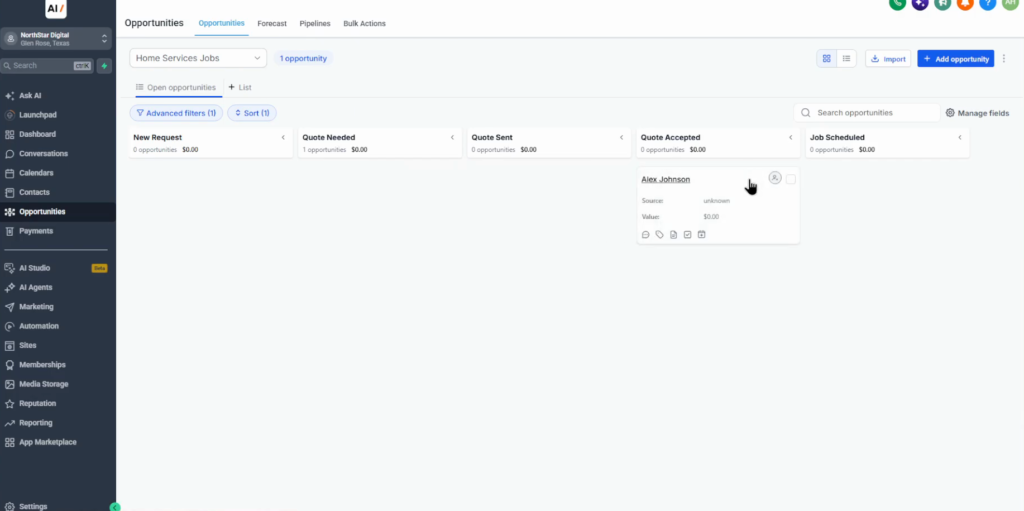
Opportunities is the pipeline board. Drag a lead from stage to stage, or let an automation move it, and the whole team sees where each deal stands. The pipelines and opportunities guide sets one up step by step.
Payments and marketing
Payments connects your payment providers (more are under Integrations) and holds products, invoices, estimates, payment links and transactions. You can send a checkout link straight to a customer.
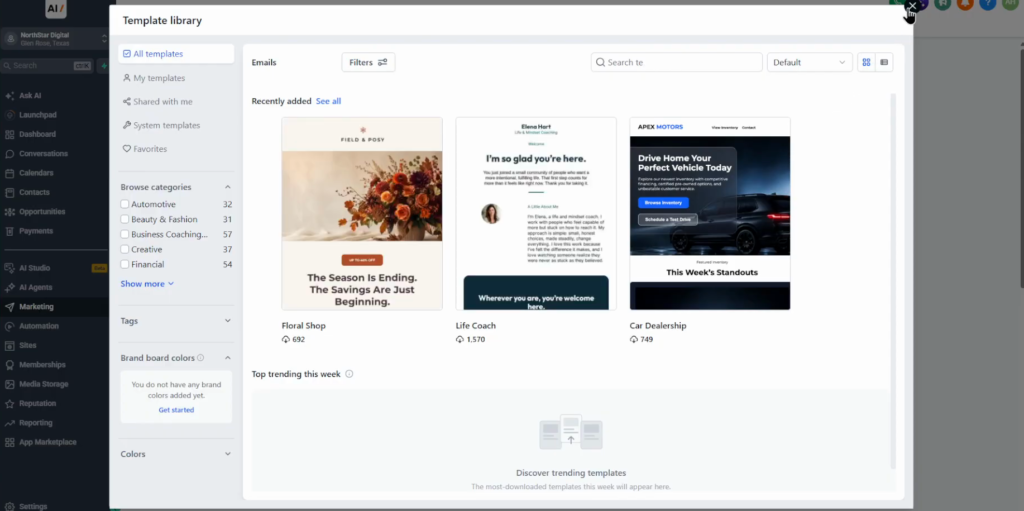
Marketing covers email campaigns, the social planner, an affiliate manager and a few other tools. Under Marketing, Emails you create a campaign, for example monthly customer updates, and start from a template.
Automations and sites
Workflows run on “when X happens, do Y”: send a quote, an email or SMS reminder or a review request, notify your team, or move a deal to the next pipeline stage.
Sites holds funnels, websites, surveys, quizzes and forms. A typical funnel page has a headline, a contact form and a booking calendar. Every form submission lands in the CRM and can start a workflow; how to create a funnel in GoHighLevel shows the build.
Memberships, media and reputation
Memberships lets you sell courses with gated lessons without a separate course platform.
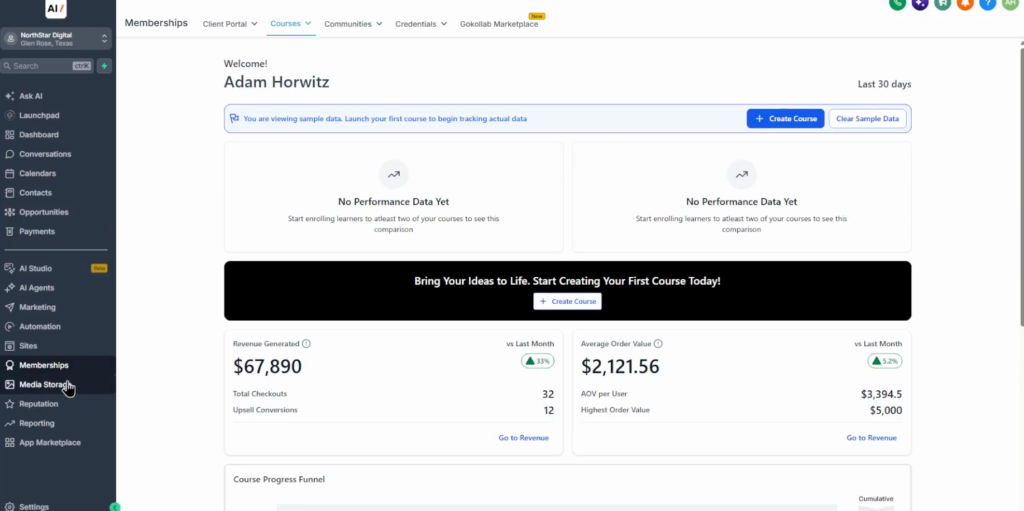
Media storage is one library for images, videos and files, with Google Drive and Canva connections, so assets are reused across the account. Reputation sends review requests by hand or through a workflow, and manages the reviews from your connected profiles.
Reporting and the App Marketplace
Reporting depends on what you use: calls, appointments and marketing, with period comparisons. The App Marketplace adds apps and integrations, for example Make. Each app lists what it does, the permissions it needs and how to install it.
AI agents
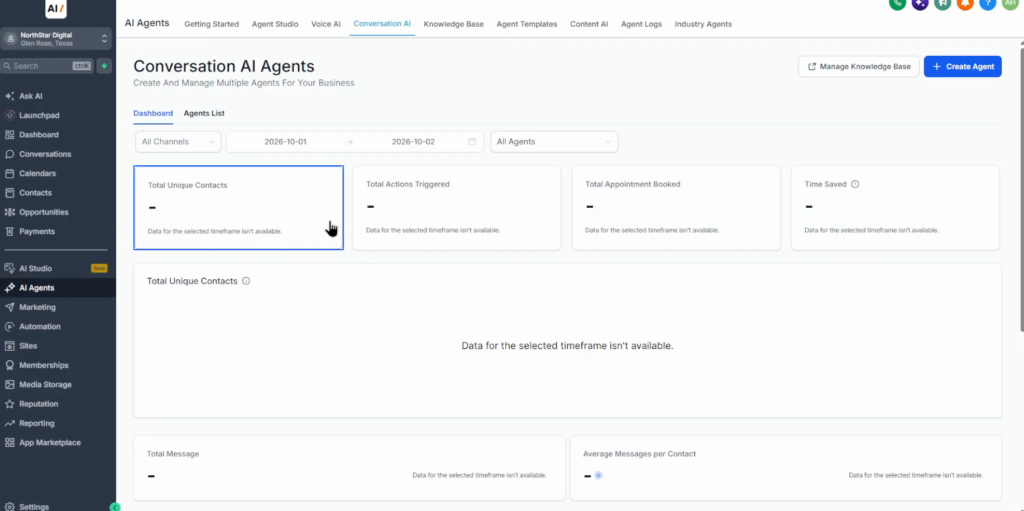
Conversation AI chats with leads, answers questions, collects their details and books appointments. Voice AI handles phone conversations. Ask AI is an assistant for you inside the platform. AI usage is billed on top of the plan.
What I would set up first
The features alone are not the reason to pick GoHighLevel; the connections between them are. A form on a funnel creates a contact, the contact starts a workflow, and the workflow texts the lead and moves the deal on the pipeline. That one chain replaces several separate subscriptions.
In a new account I would set up contacts and one pipeline first, then a calendar, then one workflow that follows up on new leads. Memberships, reputation and the AI agents are much easier to add once that core runs.
Test every feature for 30 days
30 days free instead of 14, plus the free GHL Launch Vault: 20 bonuses including a client-ready sales kit.
FAQ
What are the main features of GoHighLevel?
A CRM with pipelines, a unified inbox, calendars, payments, email and social marketing, workflow automations, funnels and websites, memberships, media storage, reputation management, reporting, an app marketplace and AI agents.
Does GoHighLevel include a website builder?
Yes. Sites covers funnels, websites, forms, surveys and quizzes, and form submissions go straight into the CRM.
Can GoHighLevel take payments?
Yes. Connect a payment provider, then use products, invoices, estimates and payment links. Calendars can also take a payment or deposit at booking.
Can I host courses in GoHighLevel?
Yes. Memberships hosts courses with gated lessons, so you do not need a separate course platform.
Are the AI features included in the plan?
Conversation AI and Voice AI are available in the account, but their usage is billed on top of the plan.
Does GoHighLevel integrate with other apps?
Yes. The App Marketplace lists extra apps and integrations, for example Make, with each app’s permissions and install steps.
Related next step
New to the platform? Start with what GoHighLevel is and the GoHighLevel CRM tutorial. Trial details are on the 30-day trial page. To copy a finished setup to the next client, use GoHighLevel snapshots. Calls you miss can get an automatic reply with missed call text back. For a chat agent that answers and books, set up GoHighLevel Conversation AI.