
GoHighLevel for agencies works in two layers: the agency account, where you set your company details, branding, snapshots and billing, and one sub-account per client. This guide covers the agency setup, a reusable base snapshot, onboarding a client, giving them a login, and rebilling services at a markup. Set it up on our 30-day GoHighLevel trial (14 days is standard).
GoHighLevel deal
Extended 30-day free trial (the standard is 14 days), plus the free GHL Launch Vault (20 bonuses, including a client-ready sales kit).
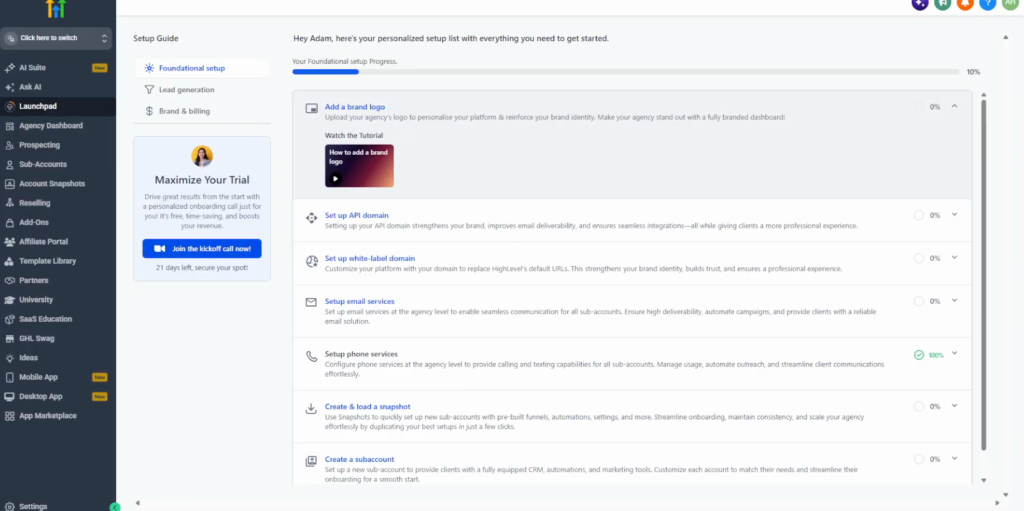
Step 1: Set up the agency account
Switch to the agency view (top left). Open Settings at the bottom, then Company, and fill in the company name, email, phone, website, business category, country and time zone.
Step 2: Add your branding
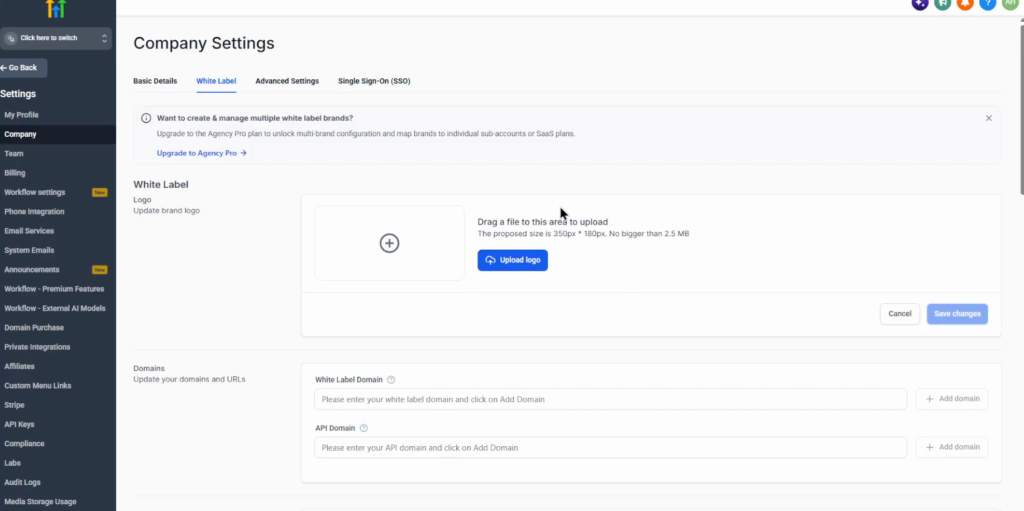
Under Company, White label, upload your logo and set the white-label domain and the API domain. With a white-label domain your clients log in on your own address, such as app.youragency.com, instead of the standard HighLevel address. You need a domain you own and the right DNS records at your domain provider.
Step 3: Build a base sub-account and snapshot
Build the assets every client needs once, in a sub-account such as “Agency base templates”: lead capture forms, an appointment calendar, pipelines, email and SMS templates, workflows and funnels. Then save it as a snapshot. A snapshot copies the setup of an existing sub-account; it does not build anything itself, so include only what every new client should start with.
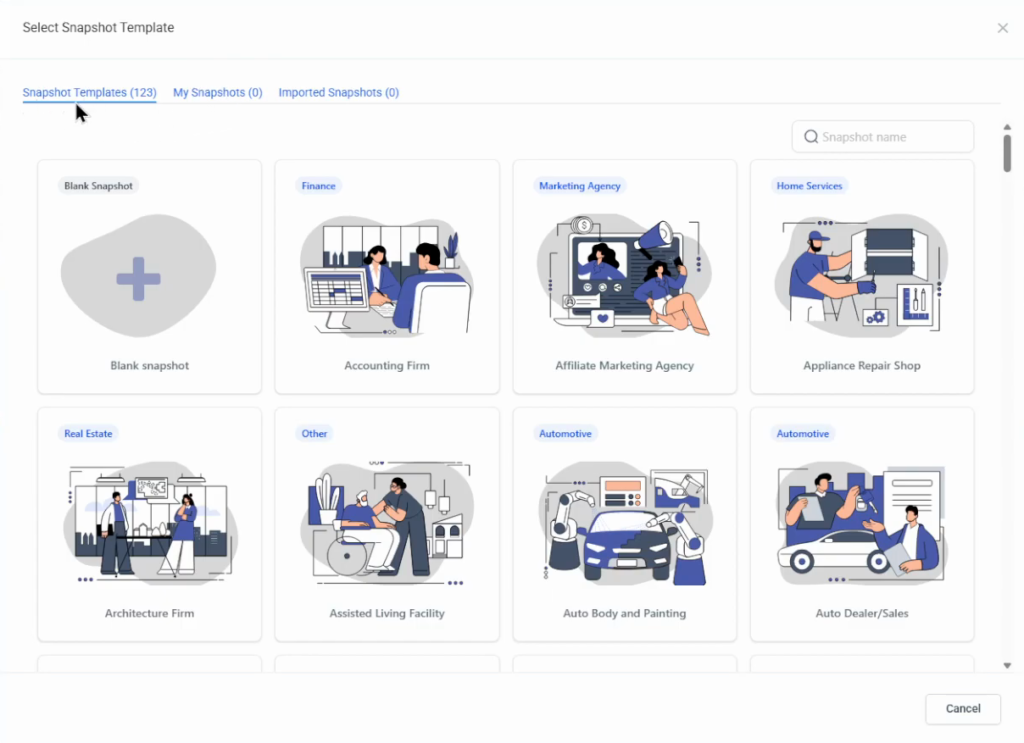
In Account Snapshots: Create snapshot, name it, choose the source sub-account, choose the assets and click Create. Account Snapshots also has short help videos on imported snapshots, your own snapshots and refreshing a snapshot. The full walkthrough is in the GoHighLevel snapshots guide.
Step 4: Onboard a client
In the agency view, open Sub-accounts and click Create sub-account (top right):
- Choose the account type: regular or SaaS.
- Choose the snapshot: your own, a template, or blank.
- Look the business up on the map, or click Add manually.
- Enter the client’s first and last name, email, business name, business phone and address. Only the fields with a red star are required.
- Mark it as your client’s account and click Add sub-account.
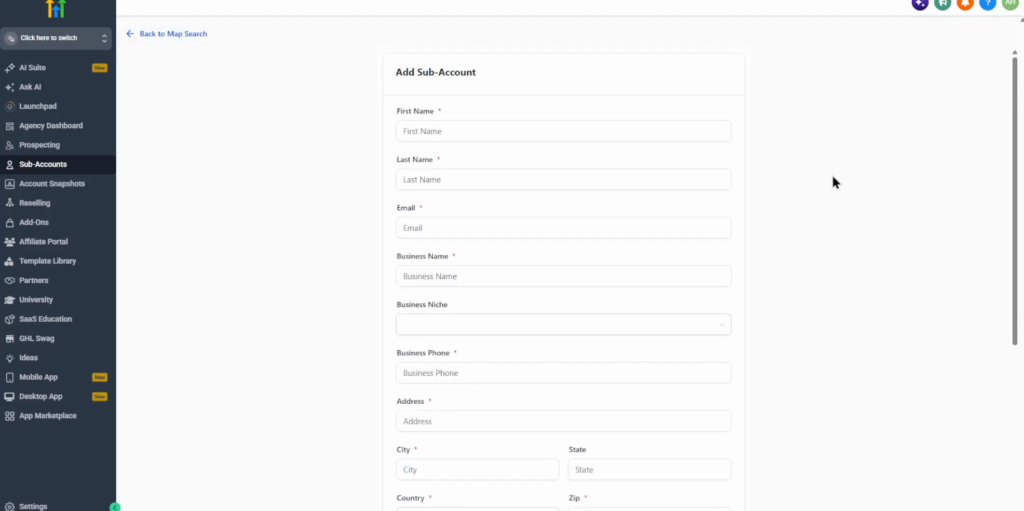
You can include sample data when you create it, and the agency settings hold the defaults for future sub-accounts. The onboarding steps in a short video:
Before you hand over access, open the automations, sites, calendars and opportunities and customise them for this client. The snapshot is only a starting point.
Step 5: Give the client a login
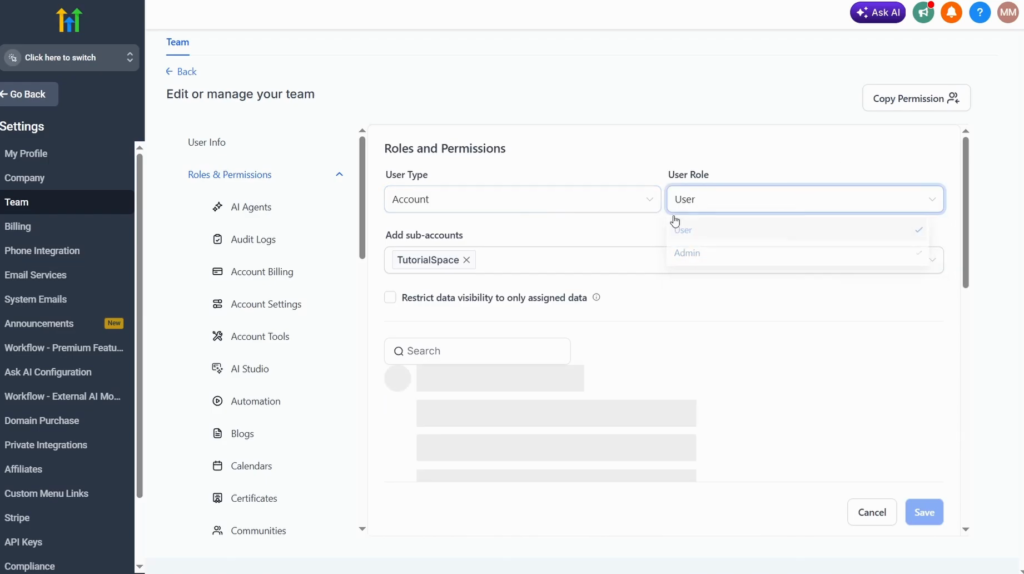
Inside the client’s sub-account, open Settings, Team and click Add user. Use the client’s name and email; they get an email to sign in.
Under Roles and permissions, set the user type to Account and select the client’s sub-account, so they can access only that one. Pick the role (User or Admin), go through the permissions and switch on only what they should use, then Save.
Step 6: Manage the sub-account
From the agency view, Sub-accounts, open the client to see the basic details, features and limits (user and contact limits), rebilling and reselling, marketplace and advanced settings. You can also pause, delete or transfer the sub-account there.
Step 7: Set up rebilling and billing
Set up reselling at agency level before you onboard paying clients. Configure the products and services you resell, both subscription products and usage-based ones. Where markup control exists, absorb the cost or pass it on with a markup, and set the price the client sees.
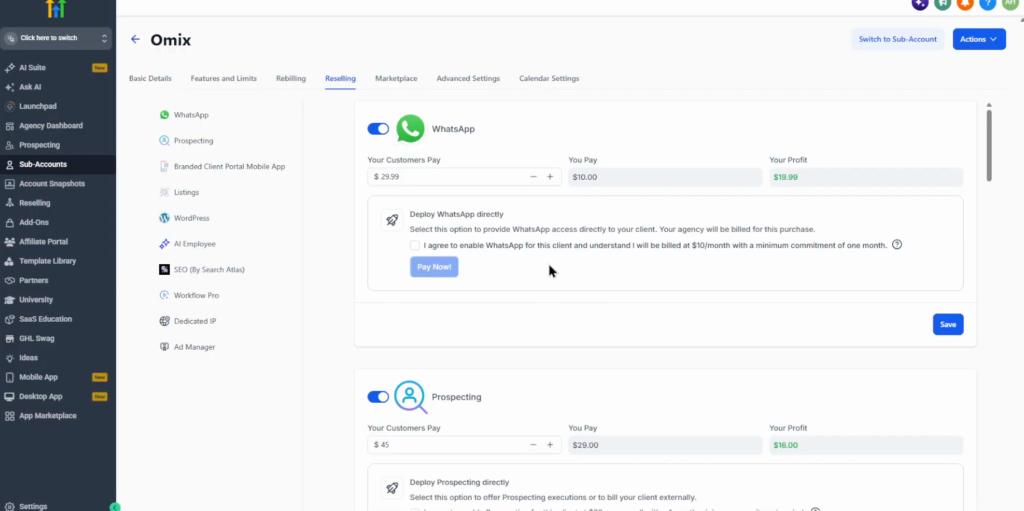
Then open Settings, Billing: add the agency billing information, fund the wallet for resellable services and connect the agency payment provider.
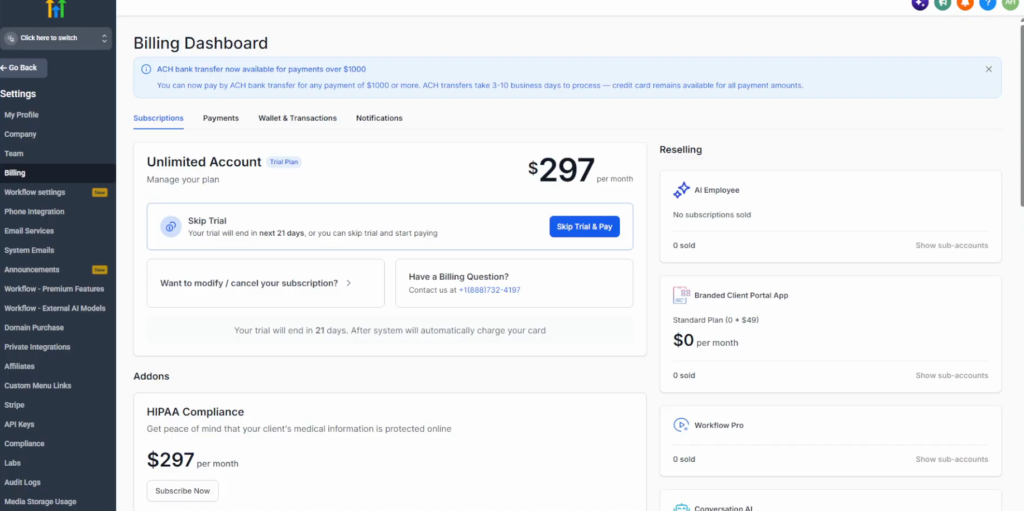
Decide up front which costs you pay, which you pass on, and what the monthly package includes.
My hand-off checklist
Before a client logs in for the first time I would check two things: the agency information and branding are configured, and nothing from another client is left in the account. The second one is easy to miss when the snapshot came from a live client.
Pricing is the other decision to make early. If SMS and email sit inside a flat package and a client sends far more than expected, that usage comes out of your margin; rebilling usage at a markup avoids it.
Start your agency account on a 30-day trial
30 days free instead of 14, plus the free GHL Launch Vault: 20 bonuses including a client-ready sales kit.
FAQ
How do agencies use GoHighLevel?
Each client gets a sub-account. The agency account holds the branding, snapshots, billing and rebilling settings for all of them.
What is a sub-account in GoHighLevel?
A separate workspace for one client, with its own contacts, calendars, funnels and automations.
How do I onboard a new client in GoHighLevel?
Create a sub-account from your snapshot, add the client’s business details, customise the setup, then add the client as a user with access to that sub-account only.
Can clients log in on my own domain?
Yes. Set a white-label domain under Company, White label. You need a domain you own and the right DNS records.
Can I resell SMS, email and other services at a markup?
Yes. Rebilling lets you resell subscription and usage-based services; where markup control exists, you set the price the client pays.
Which GoHighLevel plan do agencies need?
Starter ($97 a month) allows 3 sub-accounts, Unlimited ($297) allows unlimited sub-accounts and the $497 plan adds SaaS mode (November 2026).
Related next step
Package your base setup with the snapshots guide, and see what GoHighLevel is for the plan differences. Trial details are on the 30-day trial page.