The best VPN for torrenting has a kill switch that actually works, an audited no-logs policy and fast servers near you. NordVPN is the fastest of the three and scans your downloads for malware, Surfshark covers unlimited devices for the lowest price, and ProtonVPN is the one to pick if you need port forwarding for private trackers. All three handle P2P on their normal servers and come with a 30-day money-back guarantee.
One thing a VPN doesn’t do is change the law. Torrenting itself is legal in most countries; sharing copyrighted files without permission is not. Check the rules where you live and stick to files you’re allowed to share, such as Linux images, open datasets and game mods.
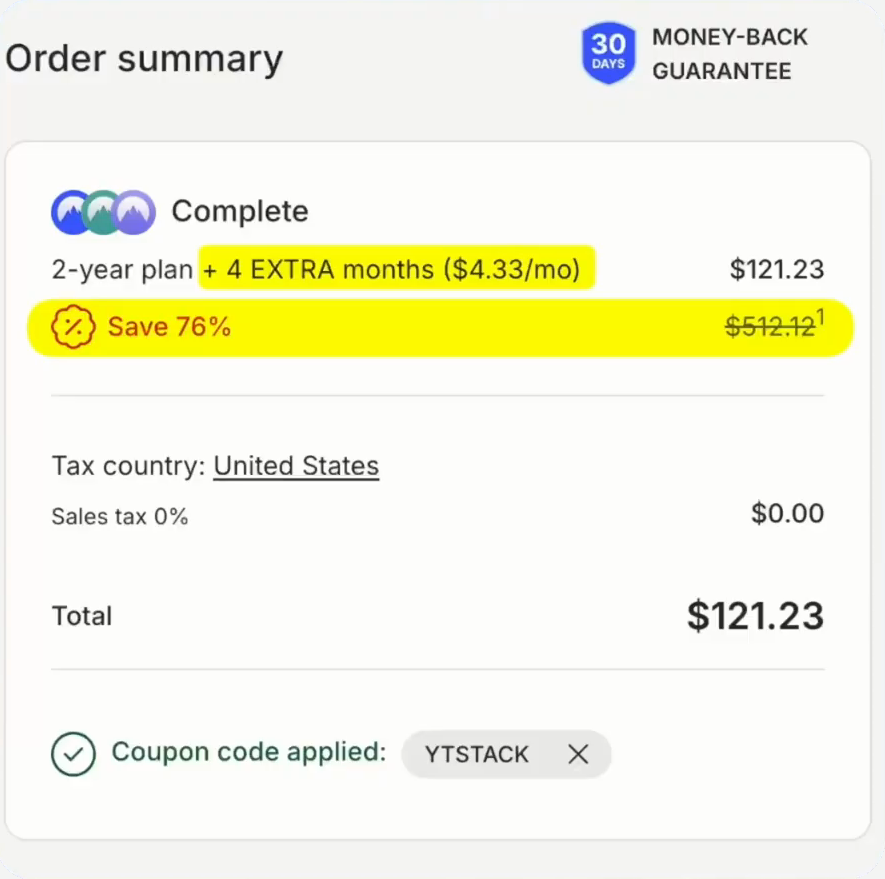
NordVPN deal
Up to 76% off + 4 months free with code YTSTACK.
Quick comparison
| NordVPN | Surfshark | ProtonVPN | |
|---|---|---|---|
| P2P servers | Every standard server | Routes you to a P2P server automatically | Paid plans only |
| Kill switch | Yes, plus an app kill switch | Yes | Yes |
| Port forwarding | No | No | Yes (paid plans) |
| Malware scan on downloads | Threat Protection Pro (Plus plan and up) | Antivirus with Surfshark One | No |
| Devices | 10 | Unlimited | 10 (paid), 1 (free) |
| Torrenting on the free plan | No free plan | No free plan | No: the free plan blocks P2P |
| Money-back guarantee | 30 days | 30 days | 30 days |
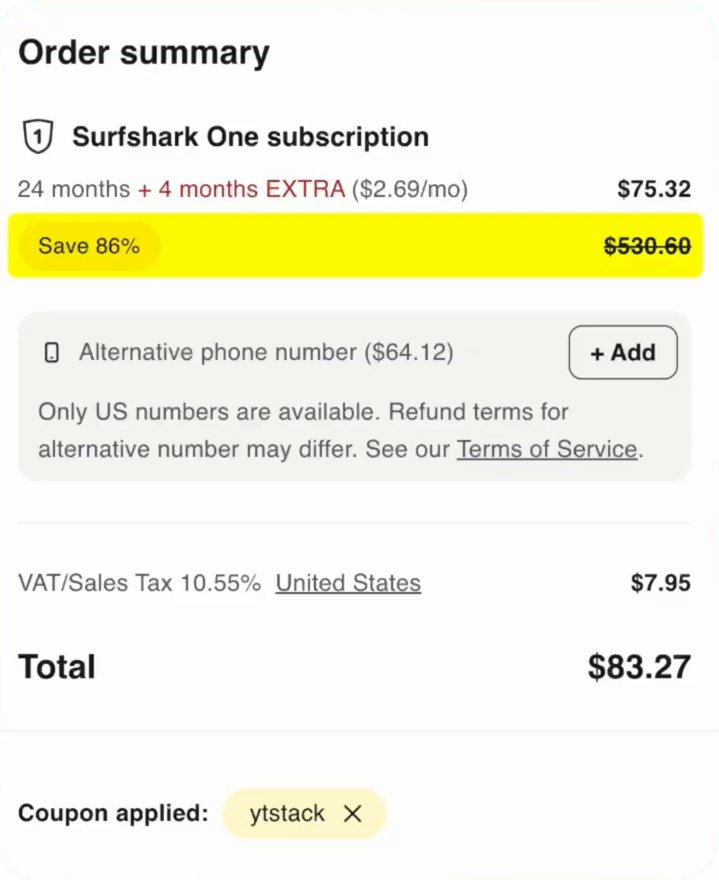
Surfshark deal
Up to 87% off + 4 months free with code YTSTACK.
What a VPN does when you torrent
When you join a swarm, every other peer can see your IP address, and your internet provider can see you’re moving heavy peer-to-peer traffic, which is often where throttling comes from. With a VPN, other peers see the VPN server’s address instead of yours, and your provider sees only an encrypted connection.
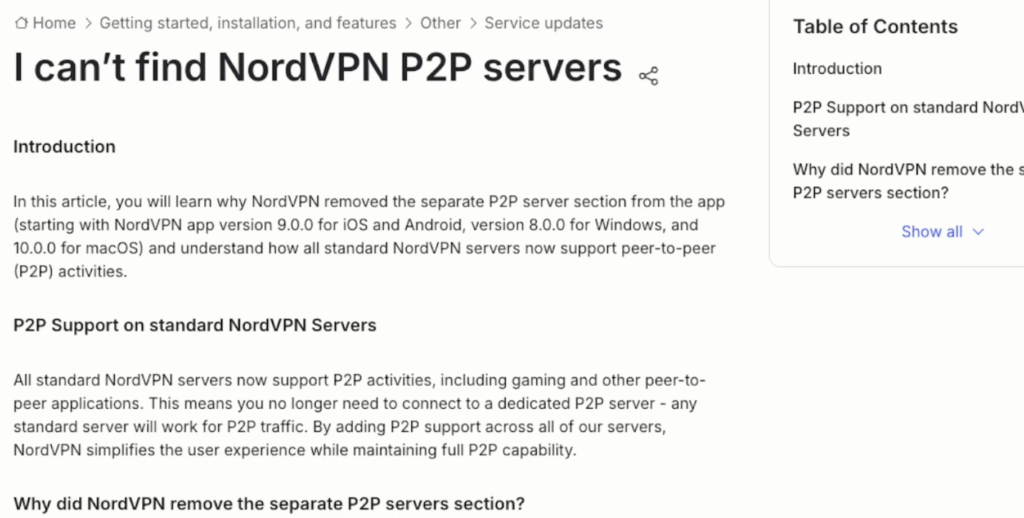
Hunting for special P2P servers is out of date. NordVPN removed its separate P2P category because every standard server now handles that traffic, and Surfshark moves you to a P2P-capable server automatically. What decides it now is the kill switch, the no-logs policy, server distance and how the app behaves when a connection drops mid-download.
1. NordVPN: the fastest, with malware scanning
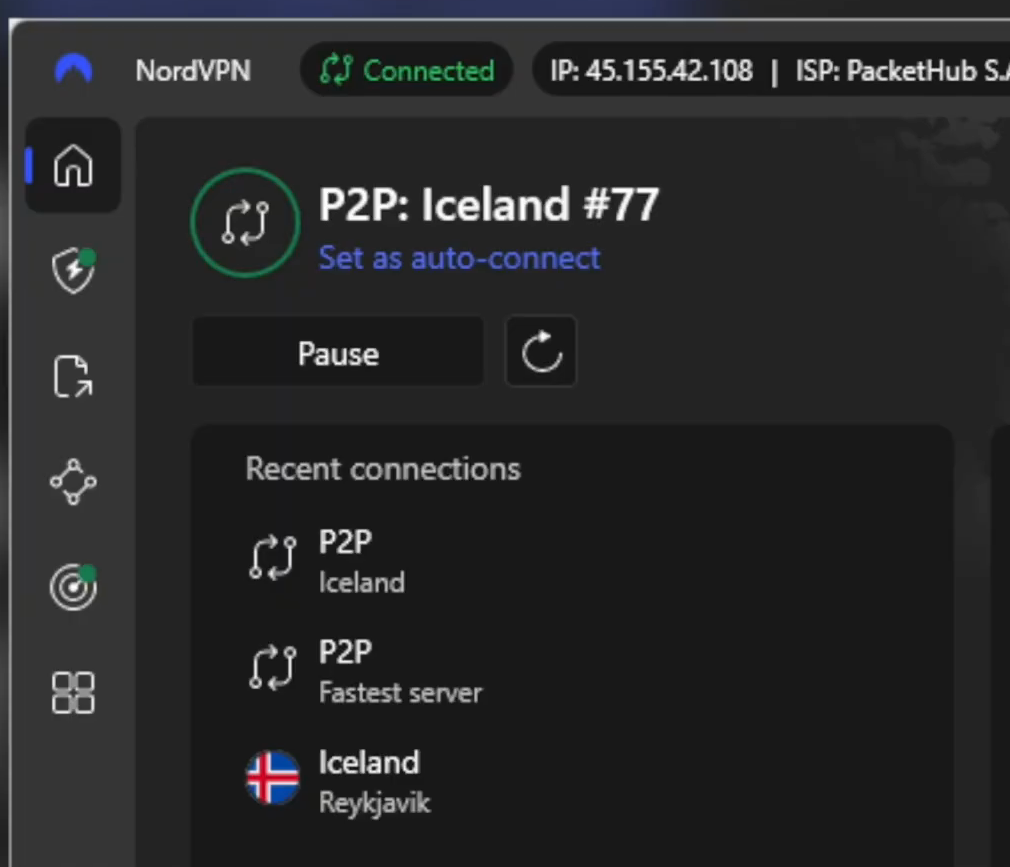
NordVPN is consistently one of the fastest VPNs in independent testing, thanks to NordLynx, its WireGuard-based protocol. Every standard server supports P2P, so you just connect and start the download.
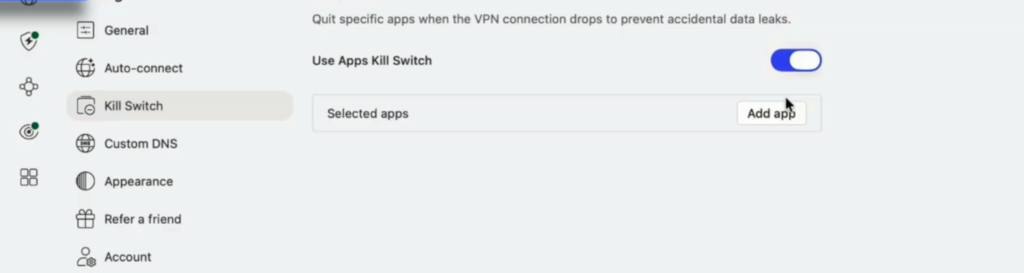
Two features stand out for torrenting. The app kill switch can close only the apps you choose when the tunnel drops, so it stops your torrent client without knocking the rest of your computer offline. And Threat Protection Pro scans files as they download and removes anything malicious, which matters on public trackers.
The catches: Threat Protection Pro runs on Windows and Mac only and needs the Plus plan or higher, and you’re limited to 10 devices.
2. Surfshark: unlimited devices, lowest price
Surfshark is the easiest to live with. Start a transfer on a location that isn’t set up for P2P and it moves you to the nearest one that is. Every server runs on RAM-only hardware, so nothing is written to disk, and its no-logs policy has been independently audited by Deloitte. Everlink moves you to a healthy server without dropping the tunnel if yours goes down, which matters when you’re seeding overnight.
You also get a kill switch, CleanWeb to block ads and malicious sites, Bypasser for split tunneling, MultiHop and unlimited devices on one account; Surfshark One adds an antivirus scanner for what you download. The honest downsides: no port forwarding, and in raw speed tests it usually lands just behind NordVPN. For everyday downloads you won’t feel the difference.
3. ProtonVPN: port forwarding for private trackers
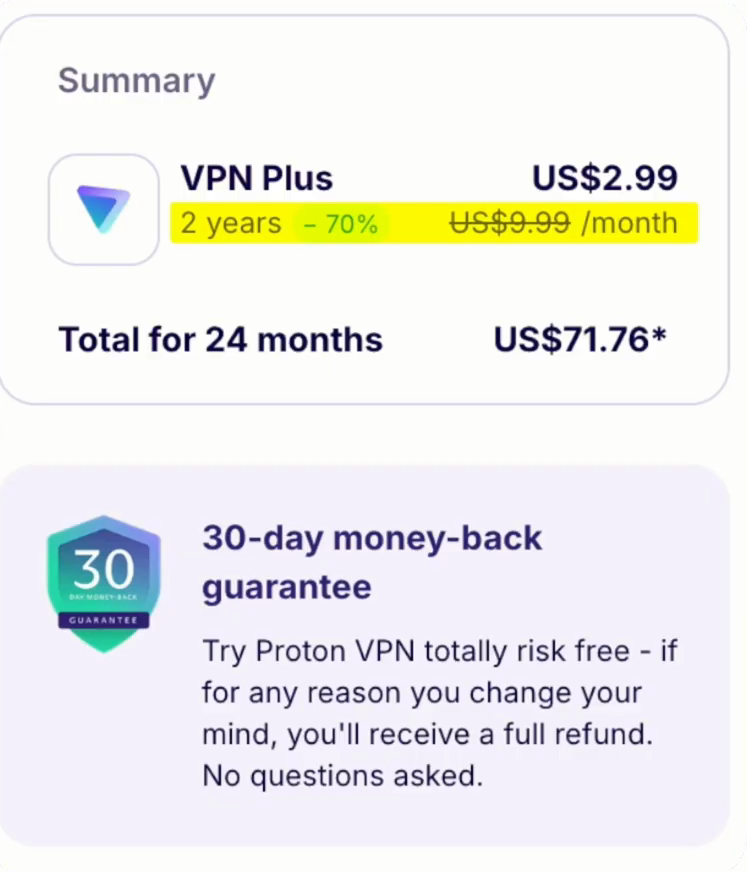
If you use private trackers or care about your seeding ratio, you need port forwarding so other peers can reach you, and ProtonVPN is the one of the three that offers it. It’s Swiss, its apps are open source and independently audited, and NetShield blocks ads and malware.
Important: Proton’s free plan doesn’t allow P2P at all; downloads just stall. P2P and port forwarding are paid features, so free Proton isn’t a torrenting option.
How to get the deals
The NordVPN and Surfshark links apply the code YTSTACK with 4 extra months automatically, so there’s nothing to type. The ProtonVPN link loads Proton’s current discount.
Set it up so your IP can’t leak
- Turn on the kill switch in your VPN app.
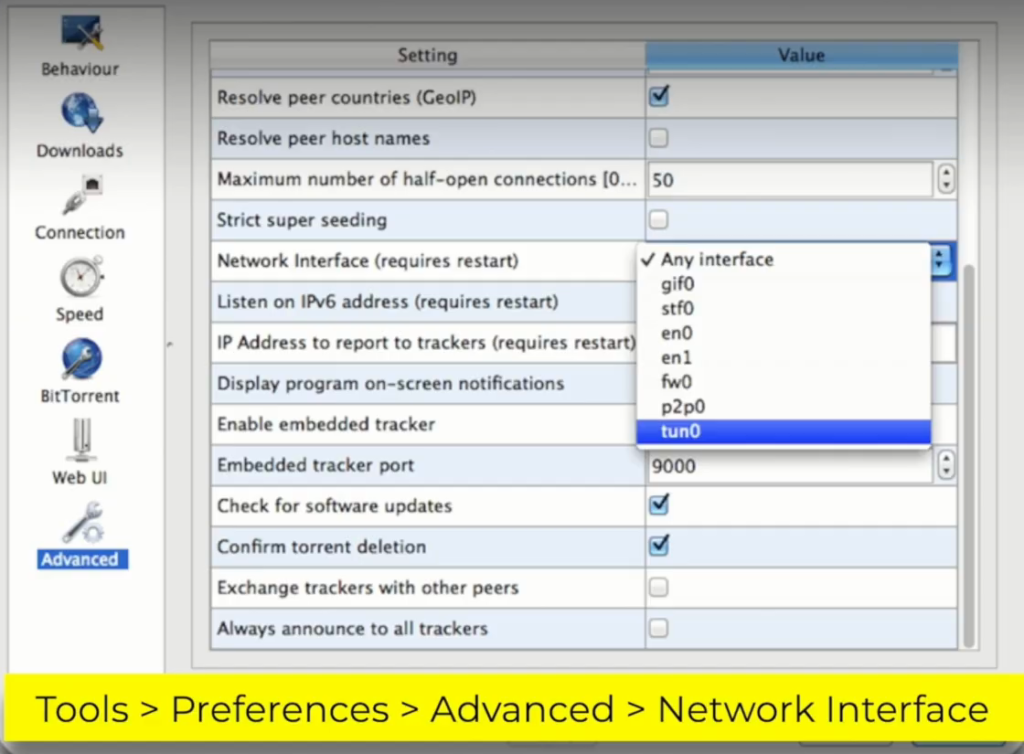
- Bind your torrent client to the VPN adapter. In qBittorrent, open Tools > Options (Preferences on a Mac) > Advanced and set Network Interface to the VPN adapter. Now the client can only move data through the tunnel, so if the VPN drops for a second, transfers stop instead of leaking your real address.
- Test it: start a legal download, disconnect the VPN and check that the speed falls to zero.
- Pick a server close to home. In the video, a nearby server barely changed the speed, while one on the far side of the world cut it roughly in half.
My take
I’d take NordVPN for torrenting when speed and safety come first: every standard server handles P2P, and the download scan catches the infected files public trackers are full of. Surfshark is the better buy for a household, because one account covers every device. If you’re on private trackers and care about ratio, Proton is the only one of the three with port forwarding.
Whatever you pick, bind the client to the VPN adapter. The kill switch helps, but that one setting is what actually makes a leak impossible.
Who should pick NordVPN
Pick NordVPN if you want the fastest downloads, malware scanning on what you pull down and a kill switch that can close just your torrent client.
Get NordVPN for torrenting
YTSTACK and 4 extra months are applied automatically through the link.
Who should pick Surfshark
Pick Surfshark if you want the lowest price and one account for every device, and you don’t need port forwarding.
Get Surfshark for torrenting
YTSTACK and 4 extra months are applied automatically through the link.
FAQ
Is it legal to torrent with a VPN?
Using a VPN is legal in most countries, and so is torrenting itself. Downloading or sharing copyrighted files without permission is not, with or without a VPN. Check the rules where you live.
Does NordVPN allow torrenting?
Yes. NordVPN removed its separate P2P server category: every standard server now supports P2P traffic, so you can connect to any of them.
Can I torrent with Proton VPN’s free plan?
No. The free plan doesn’t allow P2P traffic; downloads stall. P2P and port forwarding are only on paid Proton plans.
Which VPN has port forwarding for torrenting?
Of the three, only ProtonVPN offers port forwarding (on paid plans). NordVPN and Surfshark don’t.
Do I need a kill switch for torrenting?
Yes. If the VPN drops, the kill switch stops traffic so your real IP isn’t exposed to the swarm. Binding your torrent client to the VPN adapter adds a second layer.
Will a VPN slow down my downloads?
A little. The bigger factor is distance: a nearby server barely changes speed, while one on the other side of the world can cut it roughly in half.
Related next step
Still deciding between the two? Read NordVPN vs Surfshark or Surfshark vs ProtonVPN. All VPN guides are in the VPN hub, and every current code is on the deals page. Going to China? See the best VPN for China.