GoHighLevel SaaS mode lets you resell GoHighLevel as your own software: clients sign up for your plans, pay you every month and get their own branded sub-account, set up automatically from your snapshot. It comes with the $497 plan (labelled Founder on the pricing page, November 2026). This tutorial covers the branding, the SaaS Configurator, plan pricing and features, trials, the pricing links and a sales funnel with a checkout. Start with our 30-day GoHighLevel trial (14 days is standard).
GoHighLevel deal
Extended 30-day free trial (the standard is 14 days), plus the free GHL Launch Vault (20 bonuses, including a client-ready sales kit).
Step 1: Brand the agency
In the agency view (not a sub-account), open Settings, Company and fill in the company name, email, phone and website. Under White label, upload your logo, add the white-label domain and the API domain, link your privacy policy and terms, add custom JavaScript or CSS for the portal if you need it, pick a theme and save. The GoHighLevel white label guide goes deeper on the domain.
Step 2: Run the SaaS Configurator
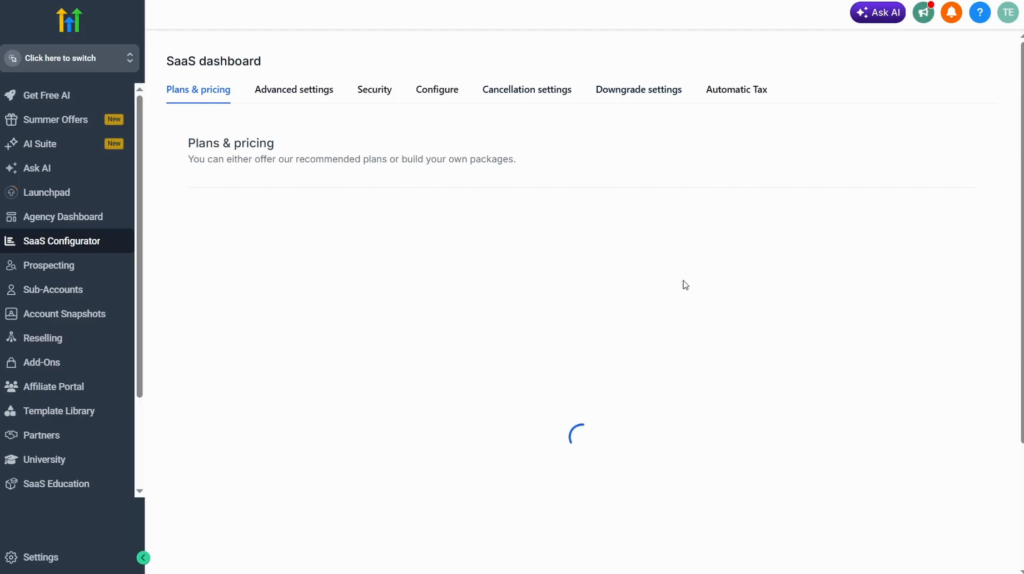
Open SaaS Configurator in the agency view. Three steps unlock in order:
- Connect a payment provider (Stripe, Square or others). This unlocks the rest.
- Choose the currency.
- Configure the SaaS plan: create the recommended plans or build your own.
Step 3: Build a custom plan
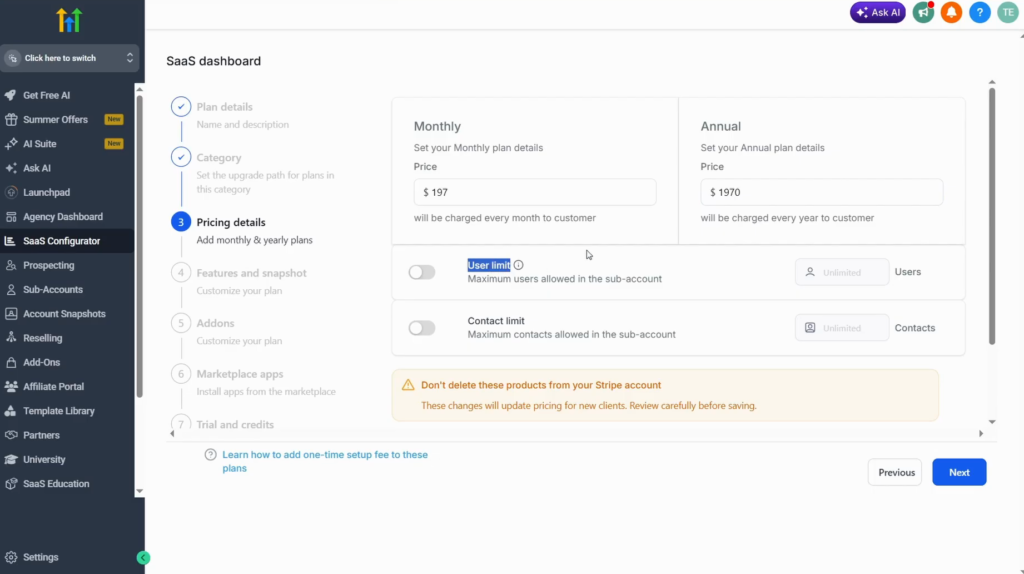
Give the plan a name and a description (both required) and click Next. Set the monthly price and the annual price (for example with a discount for paying yearly), and optionally a user limit and a contact limit.
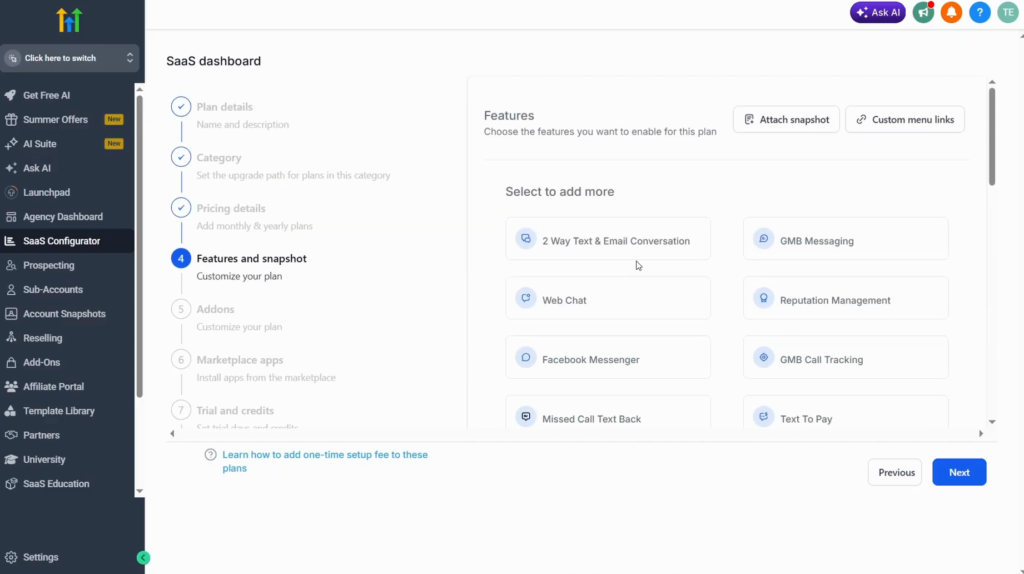
Next come the features and snapshot for the plan. Defaults are pre-selected; the video switches them all off and picks only what the plan should include (CRM, Launchpad, Calendar and so on). Go through the whole list.
Then the add-ons, such as WordPress, listings, AI Employee, WhatsApp and Ad Manager, and any installed marketplace apps you want in the plan (they can add to the plan total).
Step 4: Trial, credits and markup
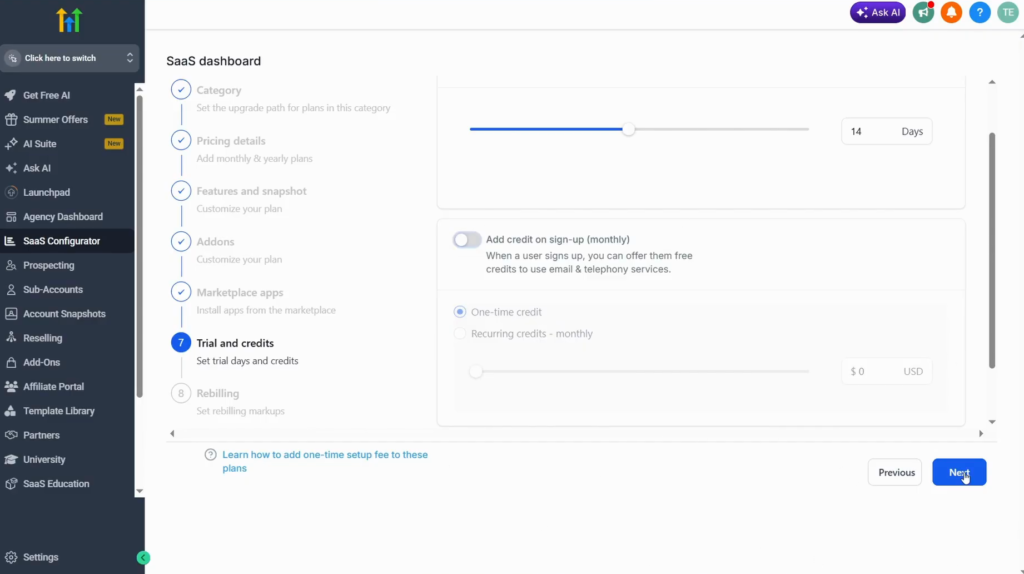
Switch on a free trial and set the number of days. Signup credit gives new clients a starting balance, once or recurring monthly. Set a markup margin on the phone system (or leave it off) and click Finish.
Step 5: Generate the pricing links
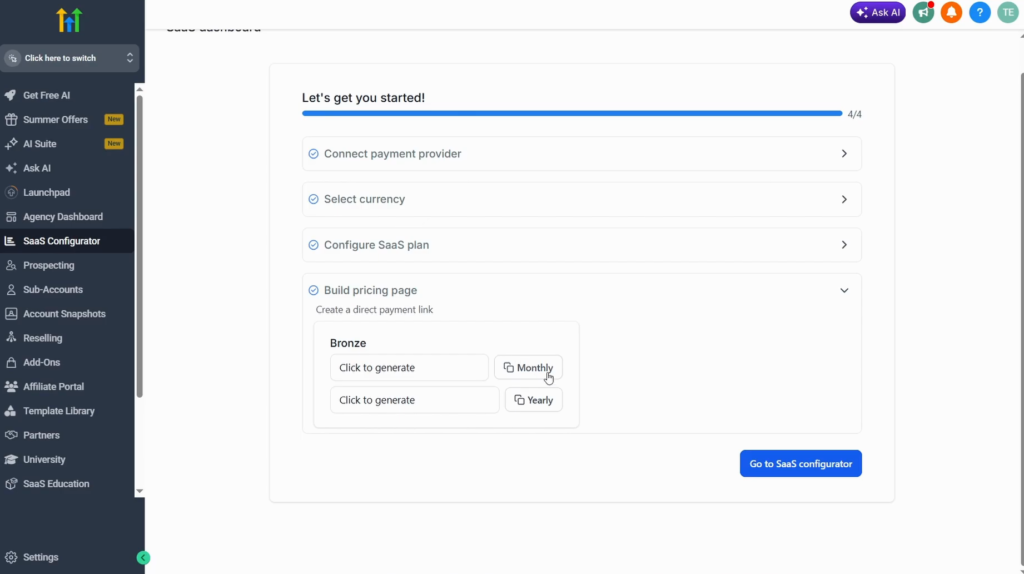
In Build pricing page, click Generate link: each plan gets a monthly and a yearly link (the demo plan is called Bronze). Copy them to promote the plan. Repeat the steps for more plans.
Step 6: Attach a snapshot and set the details
Edit the plan, open Features and click Attach snapshot: new customers on that plan start from your snapshot. The advanced settings customise the welcome email and set the security options.
Step 7: Sell the plans from a funnel
Inside a sub-account, open Sites, Funnels, New funnel and start blank (not recommended), with Build with AI or from a template. Then:
- Add a Two-step order element (Add elements, at the bottom of the list).
- Rename step 1 to Contact details and hide the shipping address and company name; customise step 2.
- In the funnel’s Products tab, click Add product, pick the SaaS plan, set the price (monthly or yearly), optionally override the price display, and save.
- Test the order: contact details, plan, card, Complete order.
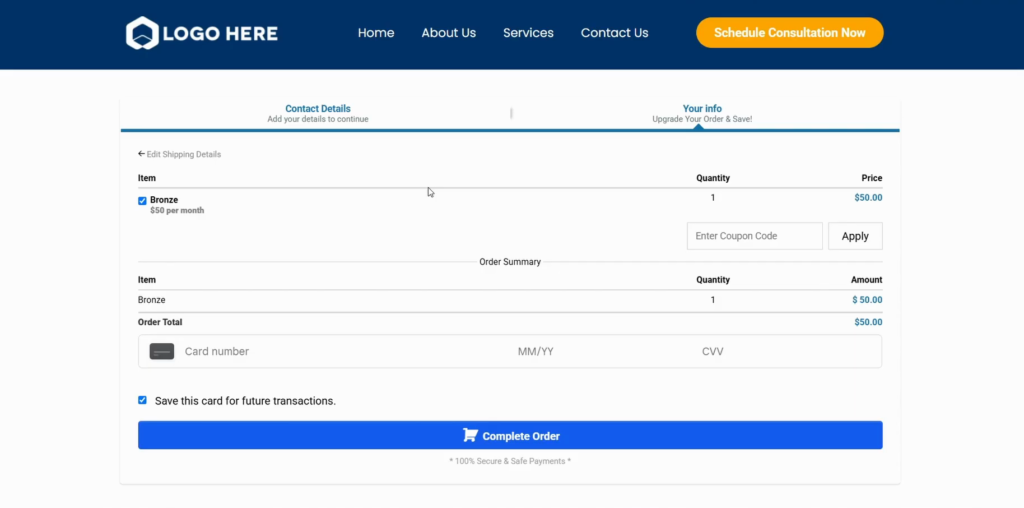
A separate checkout page works too. Finally, set up your automations and make a snapshot per plan.
How I would plan the tiers
Start with one plan, not three. A single plan with a clear snapshot behind it is easier to sell and to support, and the configurator makes it quick to add a second tier once clients ask for more.
Decide the usage pricing before the first signup. Signup credit and the phone system markup decide who pays for SMS and calls; leaving them at the defaults is a pricing decision too.
Set up SaaS mode on a 30-day trial
30 days free instead of 14, plus the free GHL Launch Vault: 20 bonuses including a client-ready sales kit.
FAQ
What is GoHighLevel SaaS mode?
A way to resell GoHighLevel as your own software: clients sign up for your plans, pay you monthly and get a sub-account set up from your snapshot.
Which GoHighLevel plan includes SaaS mode?
The $497 plan, labelled Founder on the pricing page in November 2026. Starter and Unlimited do not include it.
Which payment providers work with SaaS mode?
The SaaS Configurator connects Stripe, Square and others. Connecting one unlocks the rest of the setup.
Can I offer a free trial on my SaaS plans?
Yes. Each plan has a free trial toggle with the number of days, plus optional signup credit.
How do new SaaS clients get my setup?
Attach a snapshot to the plan under Features; every new customer on that plan starts from it.
How do I sell my SaaS plans?
Generate monthly and yearly pricing links in the configurator, or add the plans as products to a funnel with a two-step order form.
Related next step
Put your brand on the platform first with GoHighLevel white label, and if you sell websites too, see how to sell websites with GoHighLevel. Trial details are on the 30-day trial page. For the plans and the usage costs on top, see GoHighLevel pricing.